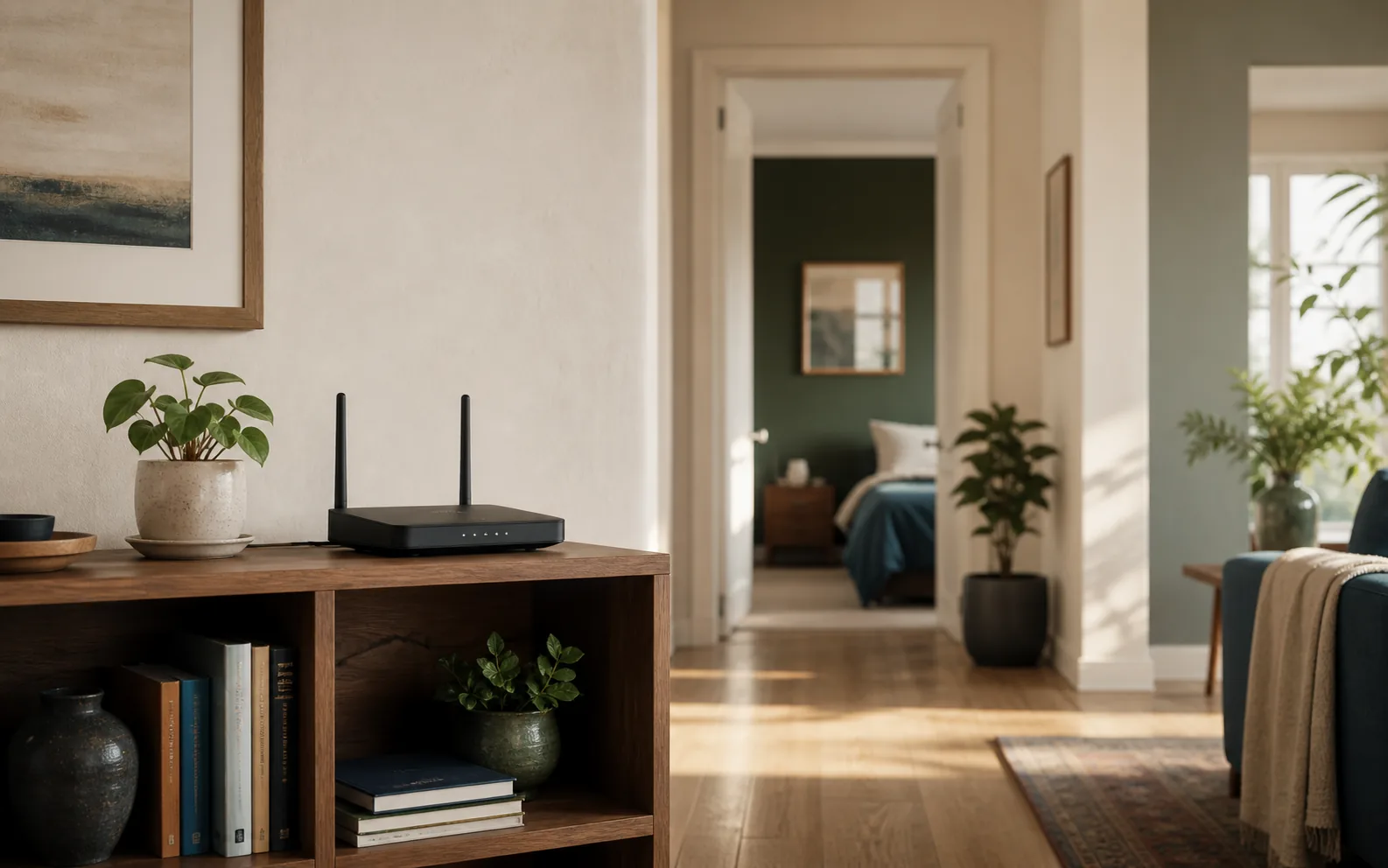
The best router placement is usually an open, elevated position near the center of the rooms where you actually use Wi-Fi. A router in a cabinet, behind a television, on the floor, or at the far edge of the home starts with a harder radio path before you change a single setting.
You do not need to find one mathematically perfect point. The goal is to reduce distance and major obstructions while keeping the router ventilated, connected to the modem, and close enough to power and Ethernet. This guide compares nine realistic locations and includes a repeatable way to judge each one.
The quick answer
Start with a shelf or table in an open, central part of the home. Keep the router off the floor and away from large metal objects, dense walls, aquariums, microwave ovens, and enclosed furniture. If the internet line enters at one end of the building, a longer Ethernet cable can often move the router to a better position without changing the modem location.
Google’s placement guidance similarly recommends an off-the-ground, visible and central position, while its mesh instructions emphasize keeping points close enough to maintain a strong connection between them. See the official Google Nest placement guidance.
Before moving anything, establish a baseline
Use the same phone or laptop for every measurement. First test close to the router, then test in the two or three rooms that matter most. Record download speed, upload speed and latency, but also pay attention to ordinary tasks: does a video call remain stable, does a television begin streaming promptly, and does a phone stay connected while you move between rooms?
- Pause large downloads, cloud backups and game updates.
- Run two tests in each location rather than trusting one result.
- Move only the router, not the test device or other equipment.
- Wait a minute after reconnecting power before retesting.
- Keep notes so a temporary improvement does not mislead you.
If Wi-Fi is fast beside the router but poor in only one area, use our one-room Wi-Fi troubleshooting guide before replacing hardware.
9 router locations: good, bad and workable
1. An open shelf near the center: usually best
A central shelf shortens the longest path to the rooms around it. “Central” should follow actual use rather than the exact center of the floor plan. If most online work happens in a living room, office and nearby bedrooms, favor the middle of that zone rather than an unused hallway at the geometric center.
Leave space around the router. Open air helps both radio propagation and cooling, and it keeps cables from being sharply bent or pulled loose.
2. A table or shelf above floor level: good
Floor placement adds nearby furniture, people and building materials to the signal path. A stable table, bookcase or wall shelf is generally more useful. The exact height matters less than getting the router out of clutter and closer to the level where phones, laptops and televisions are used.
3. Behind a television: usually bad
A media console is convenient because power and Ethernet are already there, but a large television, wall bracket, game console and bundle of cables create a crowded environment. Move the router to the side of the television or onto a separate open shelf. Even a modest separation may create a clearer path into the rest of the home.
4. Inside a cabinet or closet: bad
Doors and shelving weaken the signal before it reaches the room, while an enclosed space can retain heat. If hiding the equipment is unavoidable, use a ventilated open-back cabinet and place the router near the front. Do not stack it directly on a hot receiver, game console or modem.
5. Beside a microwave or busy kitchen: bad
The kitchen combines several difficult conditions: metal appliances, water, dense cabinetry and equipment that can add interference around the 2.4 GHz band. If connections become unstable only while the microwave operates, placement is a strong suspect. Move the router away from the appliance rather than assuming the internet service is failing.
6. Against an exterior wall: workable but inefficient
The router can still work at the edge of a small home, but devices at the opposite end face the longest distance and usually the most walls. If the modem cable ends there, consider running Ethernet inward to a more useful position. Do not extend a coaxial or fiber connection unless your provider supports the change.
7. In a basement or utility room: often bad for upper floors
Concrete, ductwork, pipes, electrical panels and multiple floors can make a utility room a difficult starting point. Keep the modem there if necessary, then use Ethernet to place the Wi-Fi router or a wired access point closer to the occupied floors. A mesh node cannot repair a weak connection if it is placed inside the dead zone.
8. Beside metal storage or an aquarium: bad
Large metal surfaces can reflect or block radio energy, and a substantial body of water can weaken the path. Avoid placing the router immediately beside a filing cabinet, refrigerator, metal-backed mirror or aquarium. The important question is whether these objects sit between the router and the rooms you need to cover.
9. Near the middle of a multi-story home: a sensible starting point
For two floors, begin near the horizontal center and close to the boundary between levels, then test above and below. Stairwells and open landings can provide a less obstructed route than placing the router at a far corner. Building materials vary, so measurements are more useful than a universal height rule.
How to choose between two possible locations
Compare the weakest important room, not only the best room. Location A may produce a spectacular result in the living room while leaving the office unreliable. Location B may be slightly slower nearby but much more consistent across the whole home. For most households, stable coverage in every important room is more valuable than the highest isolated speed.
| Check | Location A | Location B |
|---|---|---|
| Near-router result | Record twice | Record twice |
| Weakest important room | Record twice | Record twice |
| Video-call stability | Stable or unstable | Stable or unstable |
| Cable and ventilation | Safe or awkward | Safe or awkward |
| Final choice | Prefer the more consistent practical location | |
When placement is not enough
A single router may still struggle with a long floor plan, several levels, thick masonry or an outbuilding. The next reliable option is usually a wired access point. If wiring is impractical, a mesh system can extend coverage, but each wireless node still needs a strong link back toward the primary router.
Place a wireless mesh node between the router and the weak area, not at the point where the signal has already failed. After every move, run the mesh system’s connection test if it provides one. Google’s official mesh test guidance recommends moving a weak point closer to the primary router or another point.
Router placement checklist
- Near the center of the rooms that need Wi-Fi
- On a stable shelf or table rather than the floor
- In open air with ventilation around it
- Away from large metal objects and major appliances
- Not hidden behind a television or cabinet door
- Connected with safe, strain-free power and network cables
- Verified in several rooms with the same device
Placement advice is a starting point, not a guarantee. Home construction, neighboring networks, antenna design and device capabilities all change the result. Move one variable at a time, test the rooms that matter, and keep the position that produces the most consistent experience.
1 thought on “Router Placement: 9 Locations That Help or Hurt Your Wi-Fi Signal”
Comments are closed.